Client Approval Workflows: Send, Review, Sign Off
The Problem
Agencies face unique challenges that slow growth and reduce efficiency. Here's what Client Approval Workflows: Send, Review, Sign Off solves.
The Solution
Discover how Client Approval Workflows: Send, Review, Sign Off transforms your agency workflow and delivers measurable results.
The Approval Bottleneck That's Killing Your Agency
Every day, your team creates amazing content. But then it sits waiting. Waiting for client feedback, for approvals, for the green light. Meanwhile, deadlines slip, campaigns stall, and your team's momentum dies. The problem isn't your content. It's your approval process. Most agencies use email threads, shared folders, or complex project management tools that clients find confusing. The result? Delayed approvals, miscommunication, and frustrated clients who can't see what they're approving until it's too late.
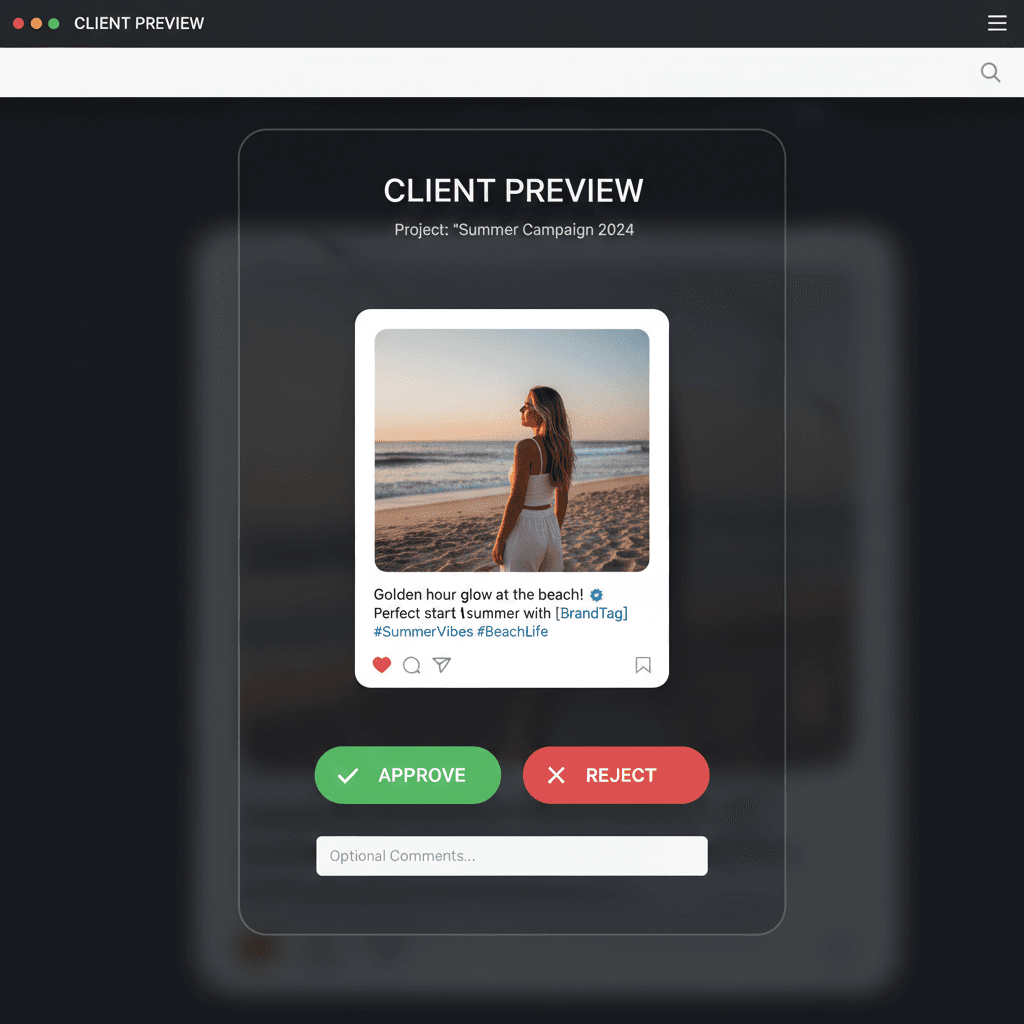
Client View: See It Before They Approve It
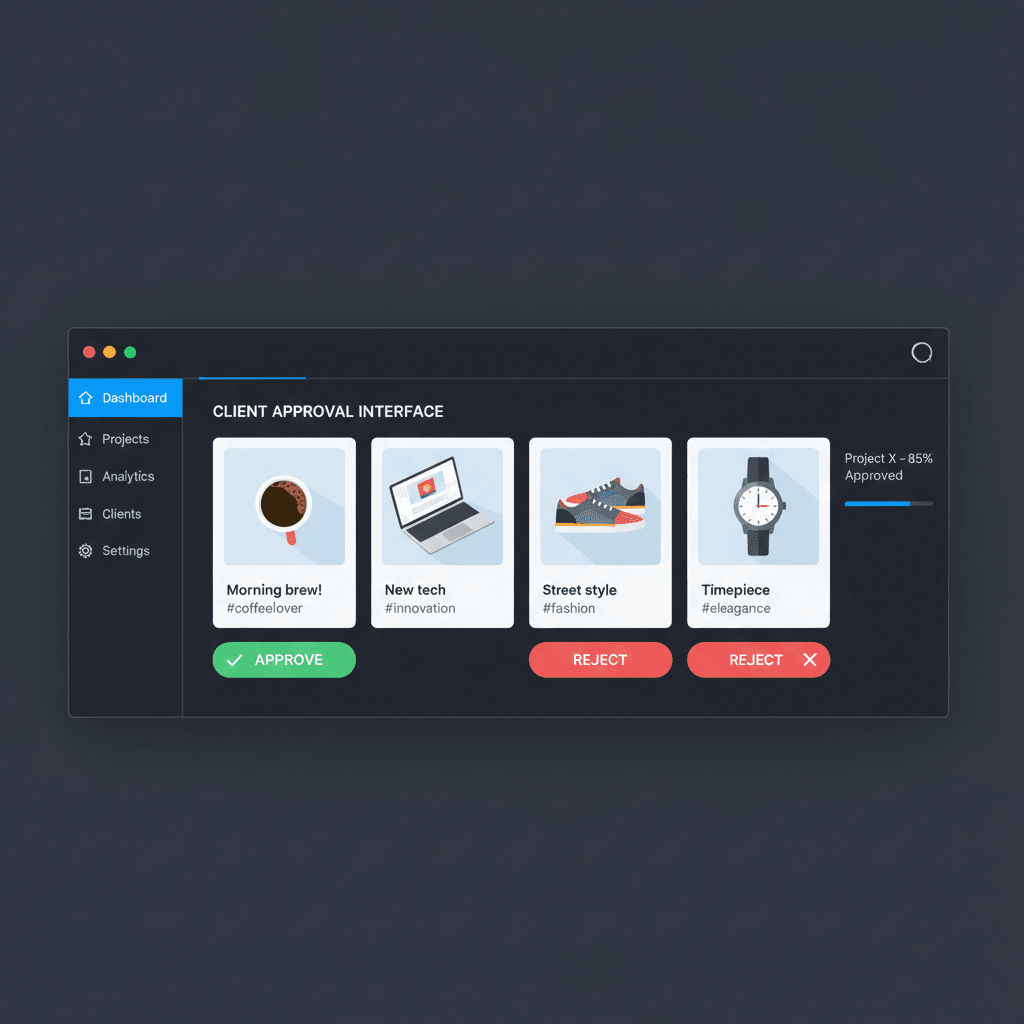
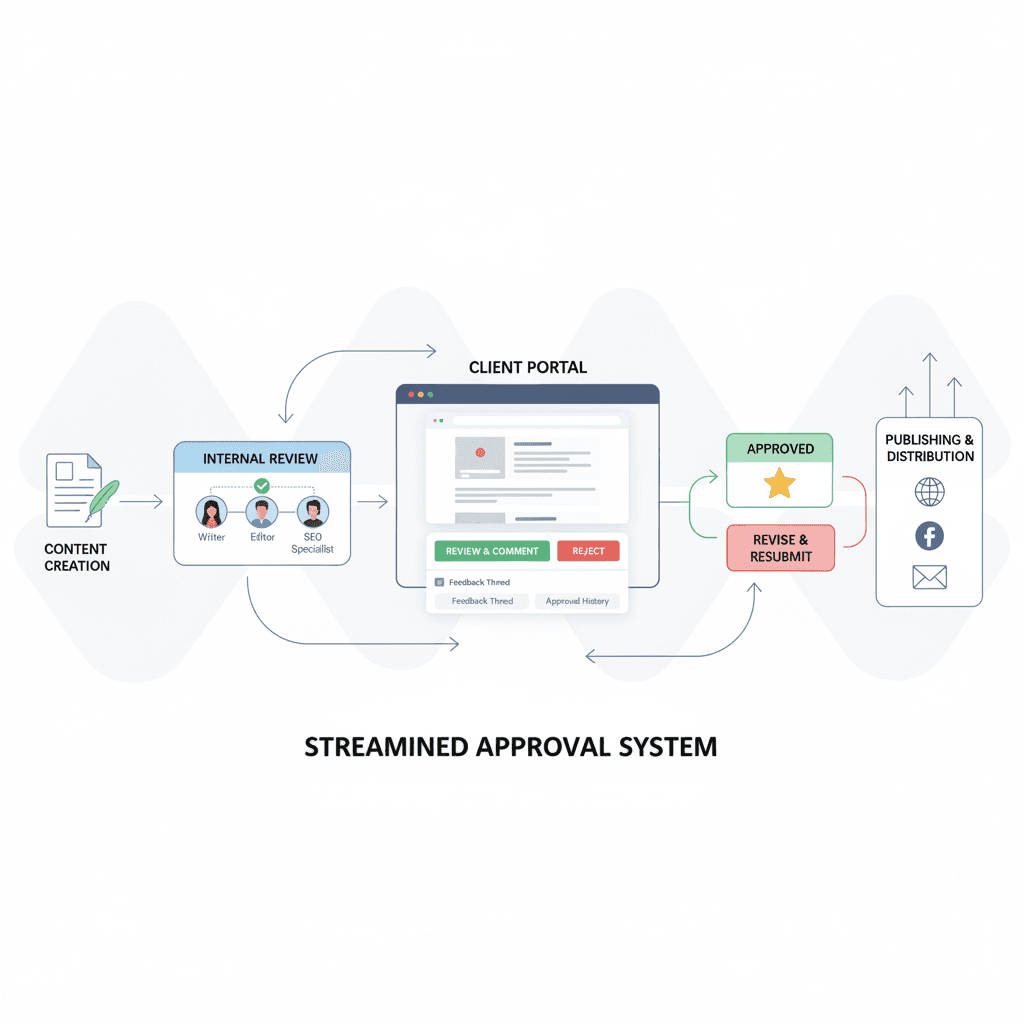
When you send posts for review, your client gets a review request and a review email. They sign in and see the text and media of each post you sent. Every post has three actions: Approve, Request changes and Comment. No guessing which draft they are looking at, and no screenshots to keep track of.
Approval Tied to the Version You Sent
Clients are invited as reviewers on the brand, so they sign in to review, and they don't use a seat. They see only the posts you send them. If you edit a post after sending it, the client can't approve it until you send it again, so an approval always matches what goes out. If a client requests changes, your team edits the post and resubmits it. Bolta sends reminders after 2 and 5 days, so your team spends less time chasing.
Built for Agencies Who Value Their Time
This solution is for agencies that understand time is money. Every hour spent waiting for approvals is an hour you can't bill. Every delayed campaign is a missed opportunity. With Bolta's Client Approval Tool, you're not just streamlining approvals, you're reclaiming your team's time and accelerating your agency's growth. Stop letting approval bottlenecks slow you down.
See It In Action
Visual previews and examples of Client Approval Workflows: Send, Review, Sign Off in action.
Frequently asked questions
Answers to what people ask most before they hand their social media to an agent.