🚀Build a Content Machine Without the Chaos

Teams by Bolta: Build a Content Machine Without the Chaos

You've got more than just you now. Creators. Admins. Clients. You need a system that runs like a team—not a circus.

Teams by Bolta: Build a Content Machine Without the Chaos Dashboard

Key Benefits of Teams by Bolta: Build a Content Machine Without the Chaos

Discover how Teams by Bolta: Build a Content Machine Without the Chaos can transform your social media workflow and help you achieve better results.

Role-Based Access Control for proper permissions
Approval Workflows for content quality
Creator-Level Analytics for performance tracking
Safe Mode for preventing unapproved publishing
Multi-Brand Management for agencies and startups

Best for

Teams that want role-based access control for proper permissions without adding more manual steps.

What it replaces

Scattered workflows, repetitive edits, and the lag between planning and publishing that slows social teams down.

What improves first

No roles. No approvals. No filters. Just a messy content pile that nobody's managing. Here's what that leads to: Missed deadlines, Off-brand posts, Public mistakes, Zero visibility into what's working, Team burnout. Bolta Teams ends all that.

Most Teams Lose Momentum Because There's No Structure

No roles. No approvals. No filters. Just a messy content pile that nobody's managing. Here's what that leads to: Missed deadlines, Off-brand posts, Public mistakes, Zero visibility into what's working, Team burnout. Bolta Teams ends all that.

Roles. Rules. Results. Welcome to Bolta Teams.

Structure your team like a machine built to grow.

Role-Based Access

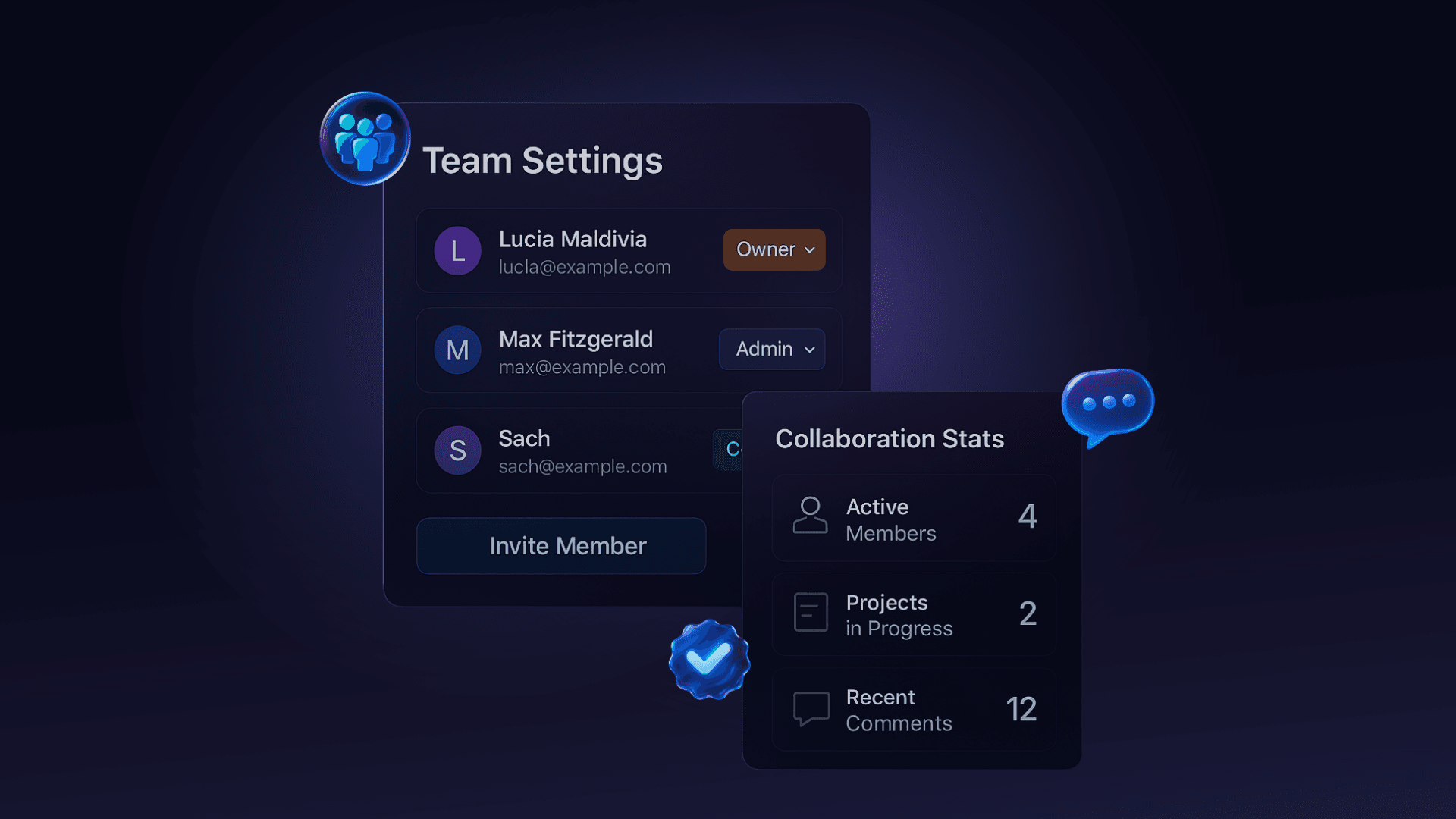
Owner – Full control. You run the show. Admins – Manage team, settings, analytics. Creators – Build and schedule content. Viewers – See what's happening—no edit access. No more "oops" moments. Everyone knows their lane.

Approval Workflows That Just Work

Review content before it goes live. Leave comments. Approve with 1 click. Or flag for changes. You're in charge, without micro-managing.

Analytics by Creator

See who's crushing it: Top-performing creators, Engagement breakdown by person, ROI per role, Optimize your team like a growth engine. You don't need opinions. You need data.

Safe Mode = Peace of Mind

Turn on Safe Mode and nothing goes public without approval. No risky posts. No brand damage. No surprises. Control content flow like a pro—even when you're not online.

Built for Agencies, Startups, and Scaling Creators

Manage multiple brands. Assign roles to clients, interns, writers, and partners. Keep content clean, consistent, and on-brand. Grow without turning into a bottleneck.

What this feature helps you ship

Role-Based Access Control for proper permissions
Approval Workflows for content quality
Creator-Level Analytics for performance tracking
Safe Mode for preventing unapproved publishing

Teams by Bolta: Build a Content Machine Without the Chaos is one part of the job. An AI agent runs the recurring workflow around it — drafting, review, scheduling, and publishing.

Frequently Asked Questions

Answers to the questions buyers ask most before they commit.

What roles are available in Bolta Teams?

Four: Owner with full control including billing, Admin for managing members, settings and analytics, Creator for building and scheduling content, and Viewer for read-only visibility. Assigning roles means an intern, a client and a contractor can all work in one workspace without any of them publishing unreviewed.

Can I change someone's role later?

Yes. Roles can be upgraded, downgraded or revoked at any time, and the change takes effect immediately across the workspace. Removing a departing contractor's access does not affect the content they created, which stays in the workspace with its history intact. That matters when clients and freelancers rotate.

Can I see who created or approved a post?

Yes. Every post keeps a history of who drafted it, who edited it, who approved it and when it published. That record settles the question of how something went out, which matters for agencies reporting to clients and for any team where an off-brand post has to be traced.

How do approval workflows work?

Content moves from a creator to whoever you designate as approver, who can comment, request changes, or approve in one click. Nothing reaches a live account until that approval happens. Chains can be as long as you need — creator to editor to compliance to publish — and are set per workspace.

What does Safe Mode do?

Safe Mode makes approval mandatory for everyone in the workspace, so no member can publish directly regardless of role. It is the setting agencies turn on for client accounts and regulated brands leave on permanently, because it removes the possibility of an unreviewed post reaching a live account by mistake.

Can I manage multiple brands or clients?

Yes. Owners can run several workspaces, each with its own connected accounts, voice profile, roles and analytics, which keeps client work separated rather than mixed into one pile. Members can be given access to only the workspaces they work on, so a client sees their brand and nothing else.

Create Like a Team. Grow Like a Company.

Solo energy doesn't scale. Team systems do. Set the roles. Set the standards. Let Bolta run the backend so your team can focus on content that wins.

Teams by Bolta: Build a Content Machine Without the Chaos