AI Carousel Generator for Social Media Creators
Bolta’s Carousel Generator helps you turn ideas into engaging, scroll-stopping carousels effortlessly. Design, write, and publish carousels for platforms like Instagram, LinkedIn, and Threads—all from one place. Perfect for creators, brands, and agencies who want to tell stories that stand out.
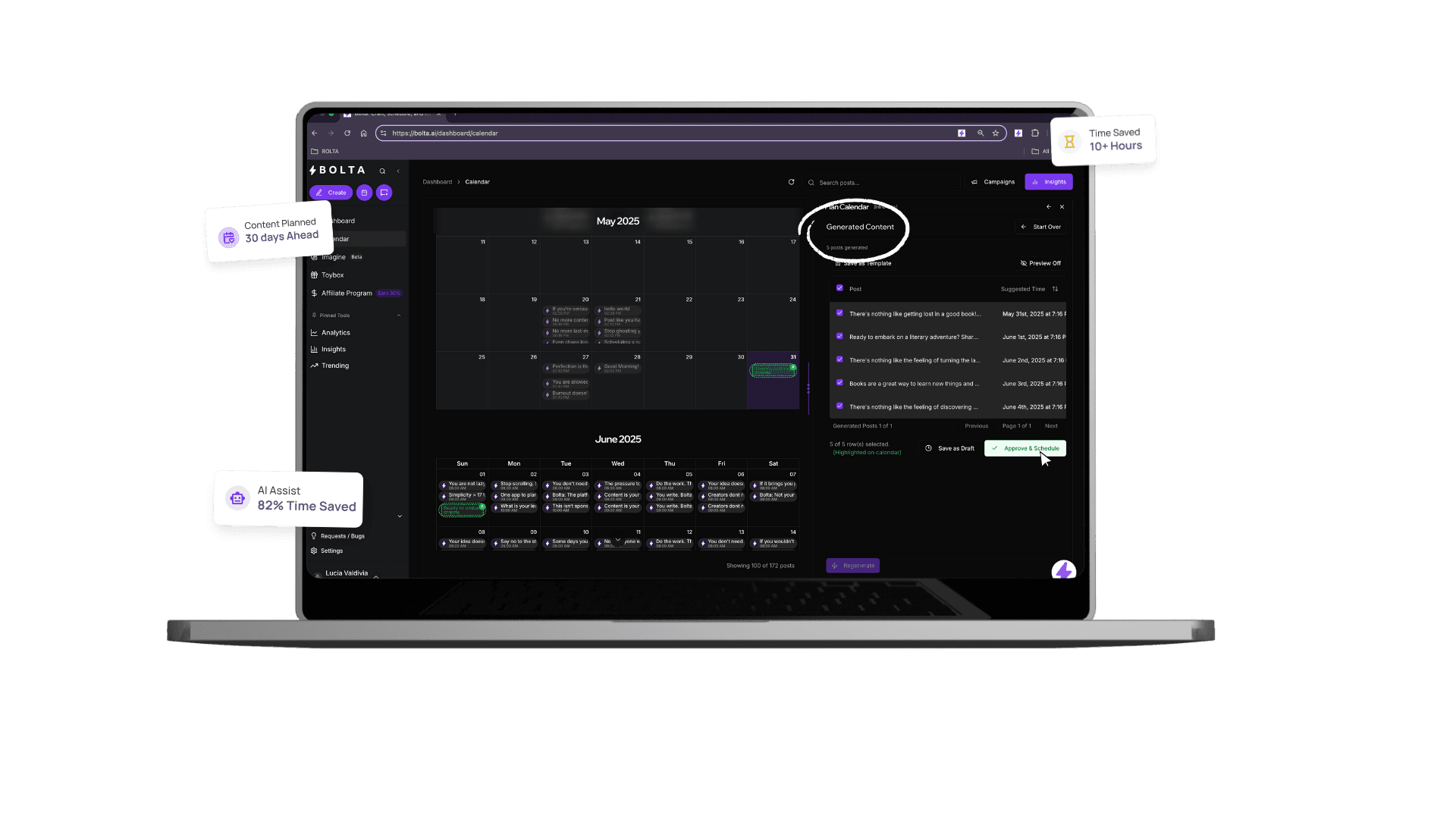
Key benefits of AI Carousel Generator for Social Media Creators
Discover how AI Carousel Generator for Social Media Creators can transform your social media workflow and help you achieve better results.
Best for
Teams that want built-in frameworks for proven formats without adding more manual steps.
What it replaces
Scattered workflows, repetitive edits, and the lag between planning and publishing that slows social teams down.
What improves first
Why? Too much time designing. No clear headline formula. Slides look amateur. Ideas get stuck in your Notes app. You don't know what makes people swipe. We fixed every piece of that.
Carousels Work. The Problem Is… You're Not Making Them.
Why? Too much time designing. No clear headline formula. Slides look amateur. Ideas get stuck in your Notes app. You don't know what makes people swipe. We fixed every piece of that.
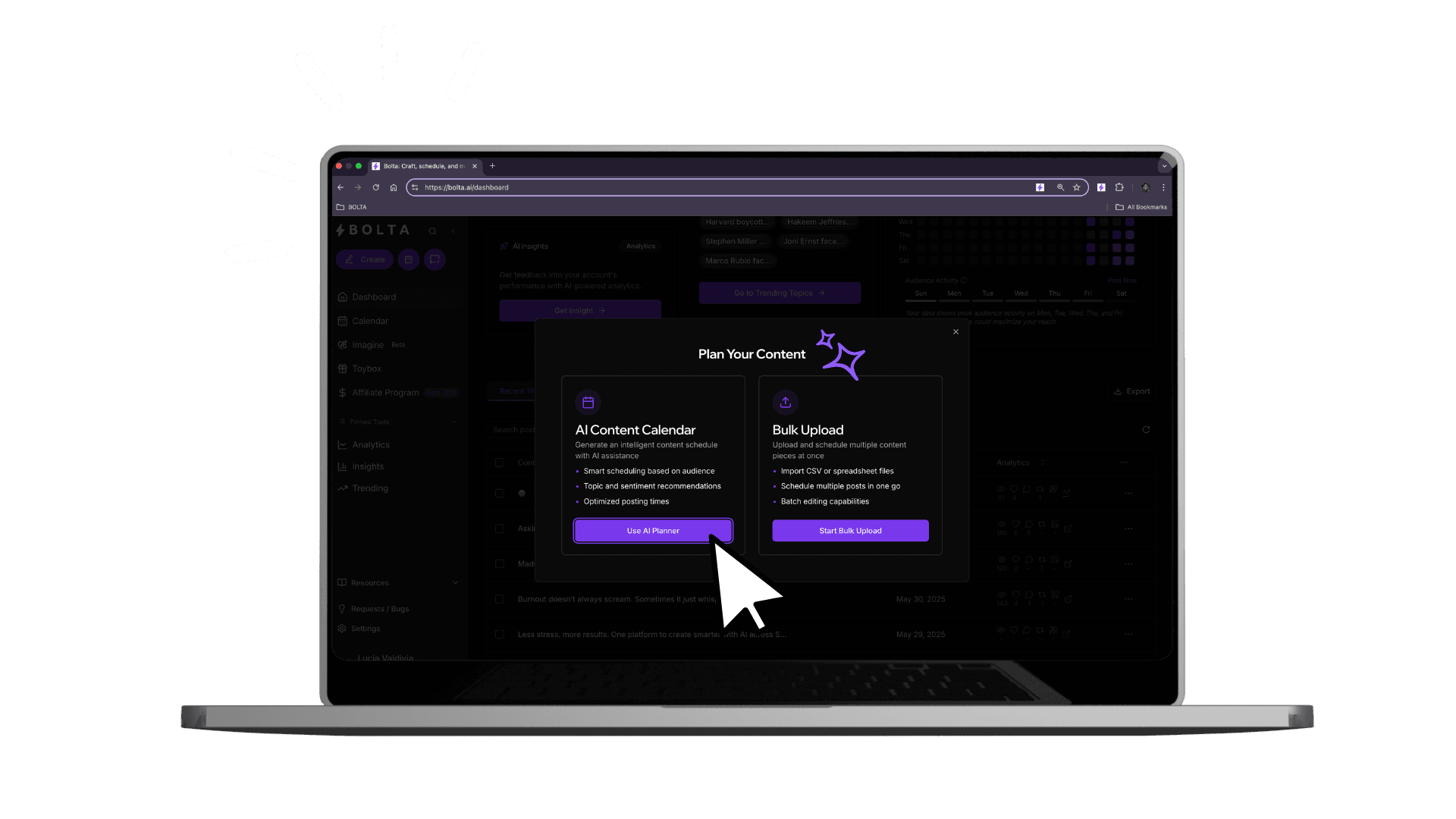
From Idea to Viral Carousel in Minutes
The Carousel Generator turns your content into professional, high-converting slides—ready for Threads, X (Twitter), LinkedIn, and IG.
Built-In Frameworks
Not sure what to say? Pick a proven format: 'Hook + Value', 'My Mistake → My Lesson', 'How I Did It' Breakdown, 'This vs. That', '5 Steps to XYZ'. Slide by slide, Bolta guides you.
Looks Like You Hired a Designer
AI picks your layout. You customize fonts, colors, and visuals. Upload your own images—or generate new ones. Export for social in the right format.
Speed = Power
You can build a 10-slide carousel faster than it takes to write a tweet storm. Save it. Reuse it. Drop it everywhere.
Why Carousels Work (And Why You Should Be Using Them)
Carousels get 3x more saves. More saves = more reach. More reach = more followers. More followers = more leverage. In short: Carousels are conversion machines.
What this feature helps you ship
Relevant features
Explore more tools and features to supercharge your workflow.
AI Content Calendar
Plan, schedule, and create weeks of content in minutes
Content Generator
Create engaging, on-brand social media content in seconds with AI
ThreadsShot
Transform your Threads posts into beautiful, shareable images
Post Enhancer
Automatically improve your posts for better engagement and results
Run this with a Bolta AI agent
AI Carousel Generator for Social Media Creators is one part of the job. An AI agent runs the recurring workflow around it: drafting, review, scheduling, and publishing.
- AI carousel creatorBuilds multi-slide carousels from a single idea or article.
- Bolta pricing and plansCompare plans, seat counts, and how many agents each tier includes.
Frequently asked questions
Answers to the questions buyers ask most before they commit.