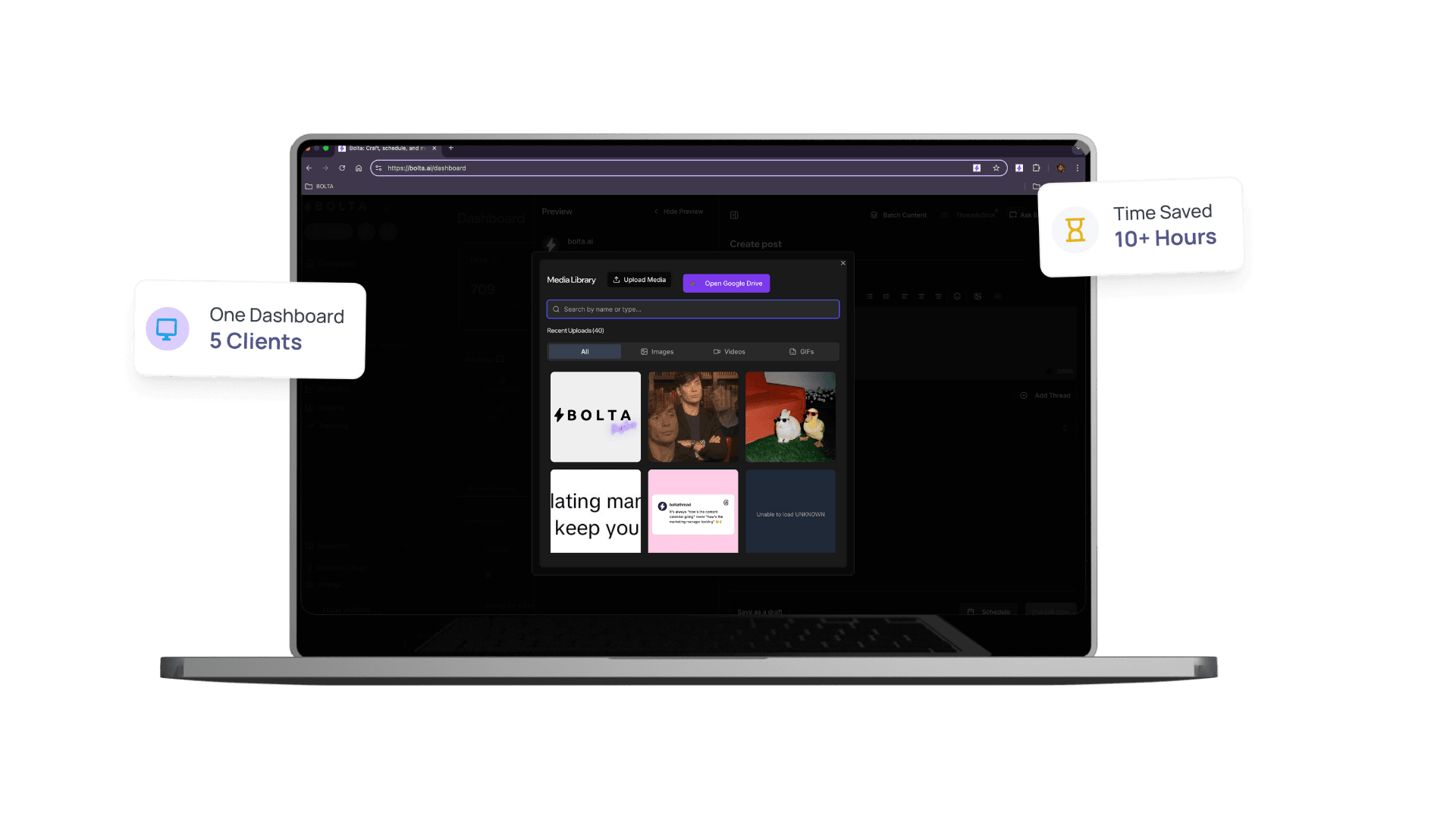
🚀Agent-Powered Asset Organization

Your Agent Organizes & Finds Visual Assets for You

Your agent automatically organizes all your images, videos, and graphics with intelligent AI tagging. When you need a visual, just ask—your agent finds the perfect asset instantly.

Your Agent Organizes & Finds Visual Assets for You Dashboard

Key Benefits of Your Agent Organizes & Finds Visual Assets for You

Discover how Your Agent Organizes & Finds Visual Assets for You can transform your social media workflow and help you achieve better results.

Your agent organizes all your visual assets with automatic AI tagging
Centralized storage for all media—no more folder hunting
Instant asset search—your agent finds what you need in seconds
Your agent suggests relevant visuals when creating posts
Version history and smart categorization handled automatically

Best for

Teams that want your agent organizes all your visual assets with automatic ai tagging without adding more manual steps.

What it replaces

Scattered workflows, repetitive edits, and the lag between planning and publishing that slows social teams down.

What improves first

Your agent analyzes and tags every image, video, and graphic you upload with AI-powered categorization. It organizes assets by campaign, content type, platform, visual style, and more—all automatically. No more wasting time searching through folders or trying to remember where you saved that perfect image.
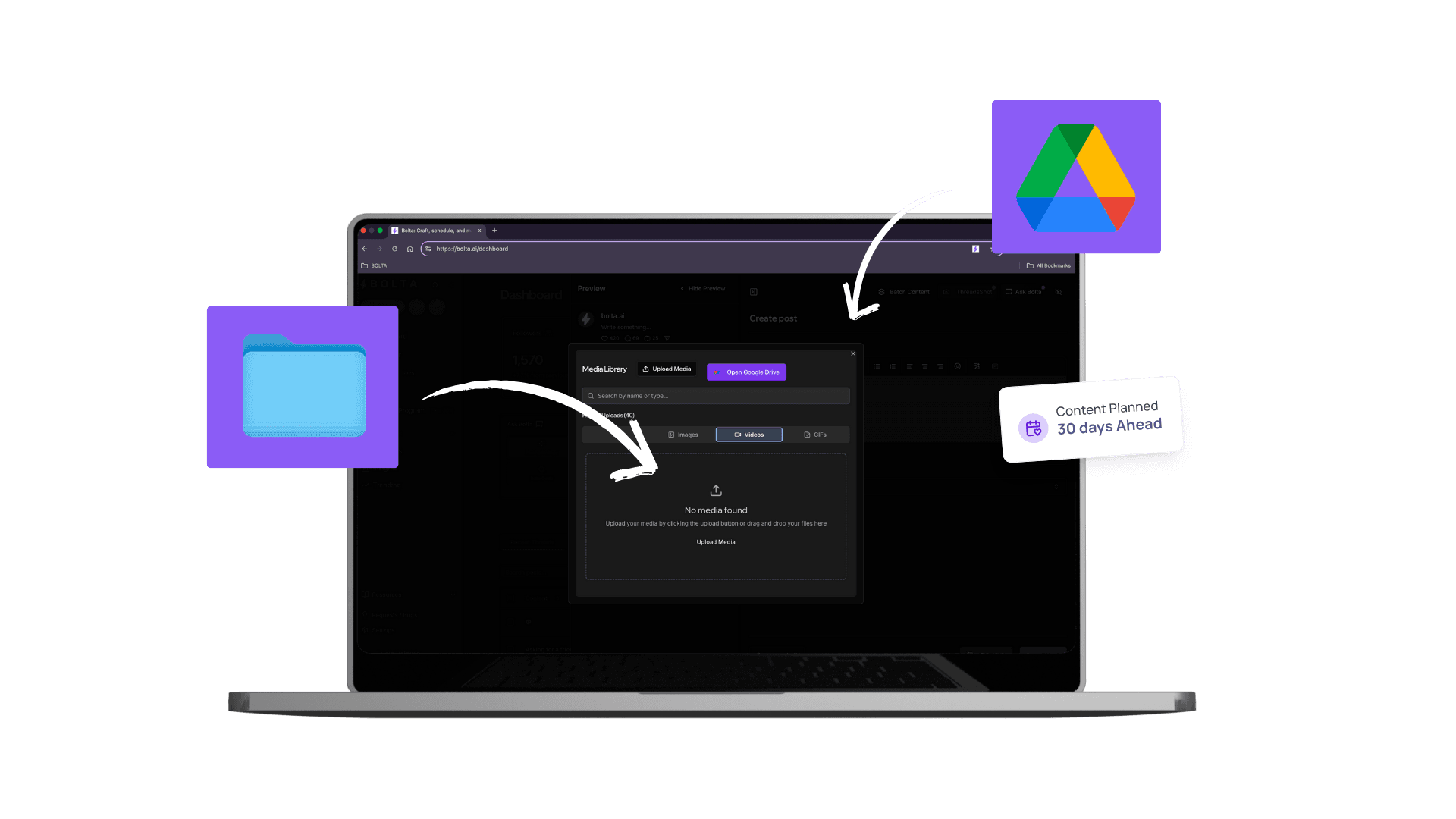
Your Agent Organizes Everything Automatically

Your agent analyzes and tags every image, video, and graphic you upload with AI-powered categorization. It organizes assets by campaign, content type, platform, visual style, and more—all automatically. No more wasting time searching through folders or trying to remember where you saved that perfect image.

Your Agent Organizes & Finds Visual Assets for You Screenshot 1

Find the Right Asset Instantly

When you need a visual, just ask your agent. It searches your entire media library and surfaces the perfect asset based on your request, past usage, and what performs well with your audience. Your agent can also suggest relevant visuals when you're creating new posts, speeding up your content creation process.

What this feature helps you ship

Your agent organizes all your visual assets with automatic AI tagging
Centralized storage for all media—no more folder hunting
Instant asset search—your agent finds what you need in seconds
Your agent suggests relevant visuals when creating posts

Your Agent Organizes & Finds Visual Assets for You is one part of the job. An AI agent runs the recurring workflow around it — drafting, review, scheduling, and publishing.

Frequently Asked Questions

Answers to the questions buyers ask most before they commit.

What is the media library?

The media library is one place holding every image, video and graphic you use for social content. Uploads are tagged automatically by subject, style and campaign, so assets can be found by describing them rather than remembering a filename, and attached to any scheduled post without being re-uploaded.

How are assets organized?

Bolta analyzes each file and applies tags for subject, visual style, campaign and the platform it was used on, then keeps them updated as the asset gets reused. You can add your own categories on top. Nothing depends on a naming convention that everyone on the team has to remember.

How do I find a specific image?

Describe it. Search runs on the automatic tags and the content of the file, so a query like a product shot on a white background, or last spring's event photos, returns the right assets without you knowing where they were filed. Recently used and high-performing assets surface first.

Can I reuse assets across posts and platforms?

Yes. A single asset can be attached to posts on LinkedIn, X/Twitter, Instagram, Facebook, Threads, TikTok, YouTube, Pinterest, Bluesky and Reddit, and Bolta tracks where it has already run so you do not repeat the same image on the same account twice within a week.

Does the library keep version history?

Yes. When an asset is edited or replaced, earlier versions are retained, so you can compare them and revert if a change turns out worse. That matters when a graphic is updated for a new campaign but the previous version is still referenced by posts that already published.

Who gets the most out of a media library?

Anyone whose assets currently live across a desktop folder, a phone camera roll and a shared drive. Teams and agencies benefit most, because a designer's upload becomes immediately findable by whoever is writing posts, without a handoff, a zip file, or a link pasted into a chat thread.

Your Agent Is Ready to Organize Your Media

Stop folder hunting. Your agent organizes, tags, and finds visual assets automatically.

Your Agent Organizes & Finds Visual Assets for You | Bolta