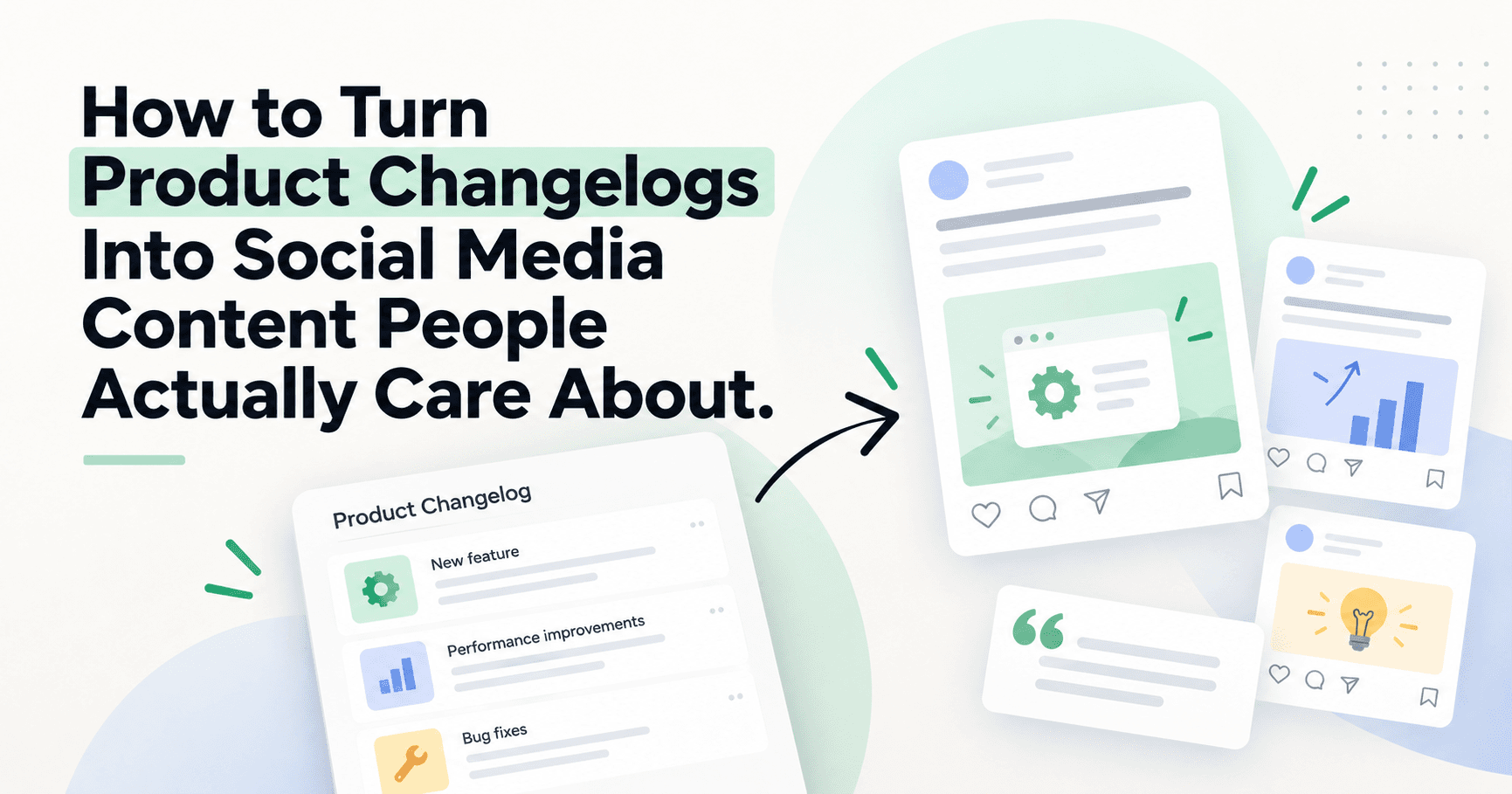
Your product changelog is full of content.
The problem is that most product updates are written for people who already care about the product.
“We added bulk selection to the media library” may be useful release information. It is not automatically a useful social post.
To turn product work into content, translate the feature back into the customer problem it solves.
Start with the customer problem, not the release note
A changelog tells you what changed. Social content should explain why the change matters.
Instead of:
“We added bulk move to the media library.”
Try:
“If your social media library has become a pile of screenshots, campaign assets, and half-used drafts, organizing it one file at a time becomes its own job.”
Now the feature has context.
Use a simple translation framework
For every product update, answer four questions:
- What was painful before?
- What changed?
- Who benefits most?
- What new behavior is now possible?
That gives you a useful content brief instead of a feature dump.
Example: from release note to social content
Imagine a release note says:
“Premium now includes two users.”
The content angle is not the number two.
The buyer problem may be:
“A founder should not need an agency plan just to let one teammate review content.”
That can become a LinkedIn post about collaboration, a Threads opinion about tool pricing, an Instagram visual explaining the workflow, and a short product announcement.
Turn one update into several angles
A meaningful product change can usually support more than one post.
- Problem angle: what the old workflow made difficult.
- Behind-the-scenes angle: why your team decided to build it.
- Customer angle: who asked for it and what they were trying to do.
- Educational angle: the larger workflow problem the feature solves.
- Product angle: how the feature works now.
This is where a content repurposing workflow helps. The same source update can become different platform-native pieces without copy-pasting the release note everywhere.
Do not turn every release into a post
Some changes matter to users and not to the market.
A backend reliability fix may be important work but weak social content unless there is a useful story behind it.
Prioritize updates that change:
- what customers can accomplish
- how much time a workflow takes
- how much control a user has
- who can participate
- what was previously impossible or annoying
Use customer language
If the feature came from customer feedback, look at how the customer described the problem.
Product teams often write internal language like “multi-user workspace permissions.” Customers may say, “I just want my teammate to review posts without sharing my login.”
The second version is usually the better hook.
Connect the update to the right product page
If you are writing for SaaS buyers, the content should naturally lead into the relevant workflow.
For broader SaaS use cases, link to Bolta for SaaS companies.
If the update is about recurring automation, point to AI social media automation.
If it improves ongoing agent work, show the relevant AI Agents rather than forcing every post back to the homepage.
Build a changelog-to-content habit
At the end of every release cycle, ask the product team for the three updates with the clearest customer impact.
For each one:
- capture the original customer problem
- write the simplest explanation of the change
- choose one strong educational angle
- choose one product-specific angle
- adapt only for the channels where the audience fits
Your roadmap is already a content source
SaaS teams do not need to invent every content idea from scratch.
The product roadmap, support queue, changelog, and customer feedback already contain the raw material.
The job is to translate internal product language into a problem the buyer recognizes.
Want a system for turning product knowledge into ongoing distribution? See how Bolta supports SaaS social media workflows.